WhatsApp AI Sales Assistant
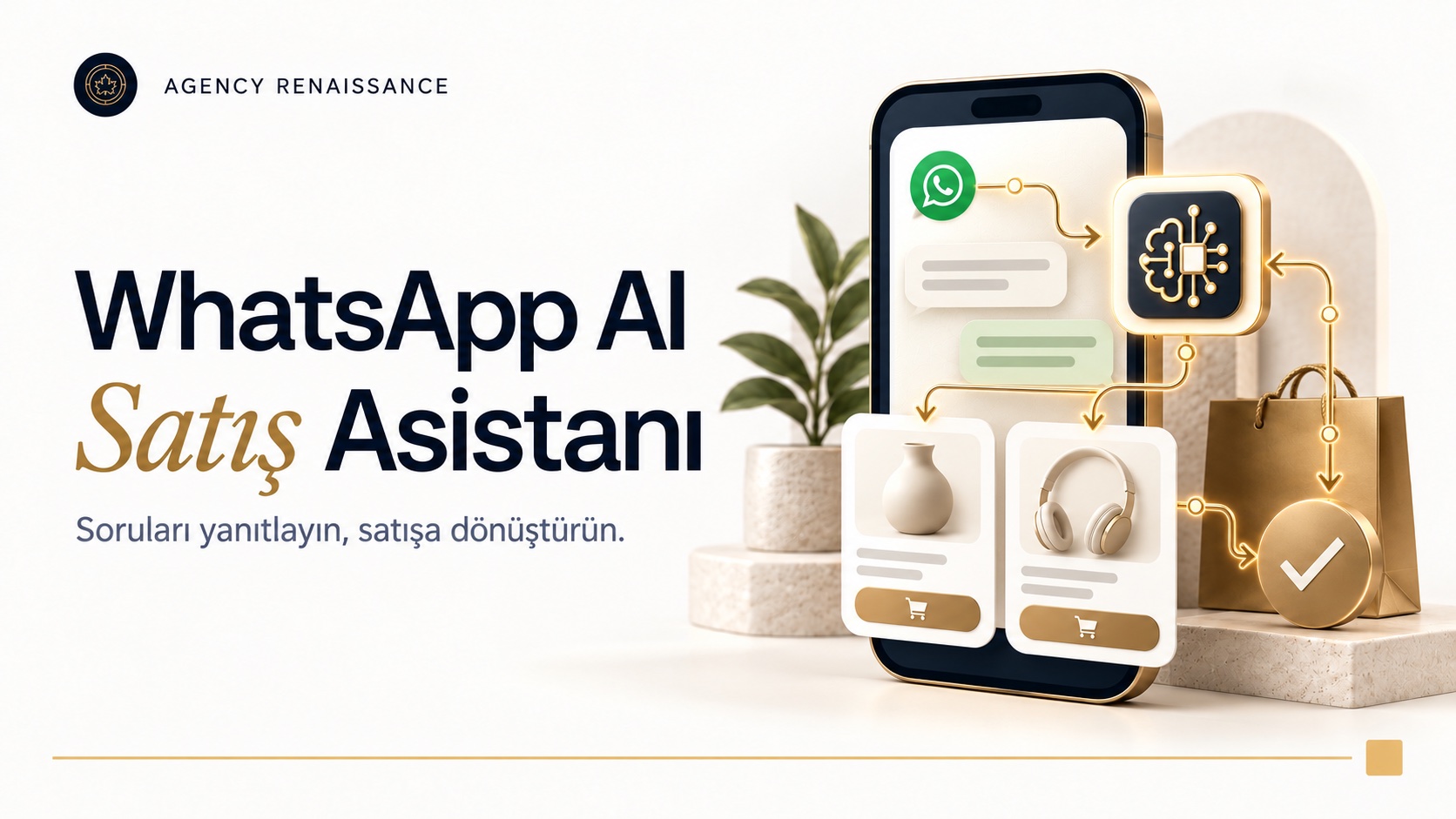
An AI assistant connected to your WhatsApp line that knows your products and orders. It answers stock, price and shipping questions in seconds, recommends the right product and adds reservations to Google Calendar.
What it does
- Checks stock and price of the products on your website in real time
- Reports shipping status with the order number
- Answers questions about product features, size, use and returns
- Takes reservations and appointments and adds them to Google Calendar
- Recommends products based on the customer's needs and sends a payment link
- Converts voice messages to text and replies to them
- Replies in the customer's language (Turkish, English, Russian and others)
- Hands conversations it cannot answer over to your team
- Reports conversations and incoming requests
How does it work?
When your customer writes on WhatsApp, the message reaches the AI first. The assistant understands what the question is; if stock, price or shipping information is needed, it pulls that at that moment from your website, your e-commerce platform or the shipping company and writes the reply in its own sentences. For a customer who wants a reservation, it checks the available times, adds the appointment to your Google Calendar and sends the customer a confirmation message.
Trained for your business
GPT, Claude or Gemini runs in the background; we choose together which one to use according to your needs and budget. We train the assistant with your product catalog, price list, frequently asked questions and your shipping and return rules. That way it gives correct information that belongs to your business, not generic answers, and speaks in your brand’s voice.
Who is it for?
It suits e-commerce sites, stores, restaurants, hotels, clinics and any appointment-based business that receives many questions on WhatsApp. Messages that arrive outside working hours do not go unanswered either.
Setting up a WhatsApp AI sales assistant, step by step
When a WhatsApp AI sales assistant is set up correctly, it gives your team a sales representative that never tires; when it is set up in a rush, it becomes a bot that quotes the wrong price to customers. What makes the difference is less the AI model chosen than the preparation done before setup. That is why we start not with the technical connections but with your sales process.
- Mapping the scenarios: We review the messages that came in on WhatsApp recently, and identify the most frequently repeated question types and what the conversations that turned into sales have in common.
- Setting the limits: We write down separately the topics the assistant will answer on its own, the topics where it will only collect information and pass it to the team, and the topics it will not enter at all.
- Account and number: We prepare the WhatsApp Business Platform account, the business verification on the Meta side and the number to be used.
- Knowledge base: We bring your catalog, prices and shipping and return rules into a structure the assistant can read with confidence.
- Integrations: We set up connections with your e-commerce platform, shipping company, calendar and internal systems.
- Testing: We try the assistant in conditions close to real life, with typos, abbreviations, voice messages and messages that ask several questions at once.
- Phased launch: We first switch it on with limited traffic or at certain hours, and widen the scope while monitoring conversations.
The setup schedule is determined mostly by the number of integrations, whether your existing systems offer an API and the verification steps on the Meta side. Because some of these steps depend on Meta’s own review process, we share the schedule in writing after the needs analysis, showing these dependencies as well.
Writing down the assistant’s limits
The step most often skipped in WhatsApp chatbot projects is writing down what the assistant will not do. On topics such as discount haggling, complaints, special price requests and questions about health or law, the assistant should not make a firm commitment. We turn these limits into written rules and specifically check during testing whether the assistant follows them.
We keep the assistant limited to your business’s products, services and processes; when an off-topic question comes in, it politely returns to the main subject. This approach reduces the risk of wrong information and is also consistent with Meta’s business messaging policies.
Tone and message format
On WhatsApp, customers expect short, clear replies. That is why we set the message length, form of address and greeting language of the WhatsApp AI sales assistant together with your brand. Where options need to be offered, instead of long text we use interactive message types such as the reply buttons and list messages the platform supports; the customer chooses with a single tap instead of typing.
Preparing the knowledge base
The accuracy of a WhatsApp AI sales assistant depends on how current the information given to it is. We read frequently changing information such as stock and price in real time directly from your system, not from a file. For more static information such as return terms, delivery areas or campaign rules, we collect it with you in a single source and clarify who will update it and how when it changes.
Voice messages and customers who write in other languages
When voice messages are converted to text, brand and product names can sometimes be misheard. During testing, we try voice messages that contain your product names and check whether the assistant matches them correctly. For customers who write in other languages, we decide from the start how product names and price formats will be displayed and in which languages the approved template messages will be prepared.
What you need to know about the WhatsApp Business Platform
The WhatsApp Business app you install on your phone is not the same as the structure the AI connects to. For WhatsApp automation, Meta’s WhatsApp Business Platform, commonly known as the WhatsApp Business API, is used. On this platform, messages are received and sent through software; the technical rules and message types are described in detail in Meta’s WhatsApp Business Platform documentation.
- Business account and verification: Setup is done through a Meta business account; steps such as business verification and display name approval are required.
- Number: The choice of the number to be connected to the platform is important. If your number is currently used in the WhatsApp Business app, we clarify how the move will be made before setup.
- 24-hour window: Within 24 hours after a customer writes to you, you can reply with free text. After this period ends, the customer can only be reached with template messages approved by Meta.
- Template messages: Messages started by the business, such as an order notification, an appointment reminder or a campaign announcement, are delivered with templates submitted for approval in advance. Templates are divided into categories such as marketing, utility and authentication.
- Pricing: Meta sets message fees by category and country and updates them from time to time; we check the current rates together before setup.
- Sending limits: The number of people a new account can reach with template messages is limited; this limit rises gradually depending on the quality and use of the account.
When a customer writes to you first, the WhatsApp AI sales assistant can reply freely; what needs attention is the messages started by the business. For campaign and reminder messages, the customer must have agreed to receive messages over WhatsApp. We design together during setup where and how this consent will be collected. You can also look at the other options the platform offers businesses on the WhatsApp Business page.
Integrations: e-commerce, shipping, calendar and n8n
A WhatsApp AI sales assistant is only as knowledgeable as the systems it is connected to. Which connections will be set up depends on where you sell and where the information is kept. We handle the technical side with our experience in API and system integrations, and we put each connection live after trying it in a test environment.
E-commerce platform
Product, variant, stock and price information can be read through Shopify, WooCommerce or local e-commerce platforms that offer an API. Thanks to this connection, the WhatsApp chatbot can tell whether a certain size of a product is in stock. If a payment link will be sent, we make sure the link is generated by your payment infrastructure and that the amount is based on the price in the system, not on the assistant’s interpretation.
Shipment tracking
The status of a shipment is queried with the order number through the tracking services of shipping companies. Security matters here: before sharing order information, we check whether the person writing is messaging from the phone number registered on the order, or an additional verification detail. That way, someone who knows another person’s order number cannot reach the address or the contents of the order.
Google Calendar and appointments
For appointment-based businesses, WhatsApp automation sees the busy times in Google Calendar and suggests only the available slots. We define in setup the working hours, the preparation time between appointments, how many appointments can be taken at the same time and the cancellation or rescheduling rules. Approved template messages are used for reminders sent before the appointment.
Workflows with n8n
WhatsApp automation often does not end with the conversation. With n8n, an open-source workflow tool, we can save the request the assistant collected to your CRM, send a notification to your team by email or message and add a new row to a Google Sheets file. Because n8n can also be run on your own server, it gives flexibility on where the data is kept.
Knowing the customer’s history
When connected to your CRM or e-commerce platform, the WhatsApp chatbot can see whether the person writing has ordered before. That way it can give a returning customer information about their last order or recommend products that match their earlier choices. Which information will be used for this purpose, we limit together with you according to the principles described in the KVKK (Turkish Personal Data Protection Law No. 6698) section.
Handoff to your team: when should the assistant step back?
A well-built WhatsApp chatbot does not try to answer every question; it knows when to leave it to a person. We set the handoff rules with your business and check during testing that each rule works correctly. Typical handoff moments are these:
- When the customer clearly wants to talk to a representative.
- When a complaint, a return dispute or a damaged product report comes in.
- For a bulk order, a special price or a corporate quote request.
- When a question is asked whose answer is not in the knowledge base.
- When signs of anger or dissatisfaction increase in the conversation.
How does the handoff work?
At the moment of handoff, the WhatsApp AI sales assistant tells the customer that the conversation is being passed to a team member; if it is outside working hours, it says when a reply will come. Your team sees the conversation in a shared inbox or through a notification. Thanks to the short summary the assistant prepares, there is no need to ask the customer the same questions again.
When a team member takes over the conversation, the assistant goes quiet and does not interrupt. When the matter is closed, the conversation can be handed back to the assistant. Making these transitions effortless for your team ensures the system is really used in daily work.
Your team’s preparation
A handoff only works when someone is on the other side to receive it. Before the WhatsApp chatbot goes live, we clarify together who will receive the handed-off conversations, what reply time is targeted during and outside working hours and who will be the backup in busy periods. We show your team how to use the inbox and how to hand a conversation back to the assistant in a short session.
KVKK, consent and data security
A WhatsApp AI sales assistant processes your customers’ names, phone numbers, addresses and order information. That is why, in setup, the protection of personal data is on the agenda as much as the technical topics. The points below are for general information; we recommend having your legal advisor decide the final wording of the texts.
- Disclosure: Under the Personal Data Protection Law No. 6698 (KVKK), the customer should be offered a way to reach the disclosure text that explains for what purpose their data is processed. A short information note and a link in the first reply is a practical method.
- Transfer abroad: AI models and the WhatsApp infrastructure may run on servers abroad. On what basis this transfer will be made under KVKK should be evaluated separately.
- Commercial message consent: Campaign and promotional messages require the customer’s prior consent. How this consent will be obtained and stored under Meta’s rules and Turkey’s commercial electronic message regulations should be clarified.
- Data minimization: The assistant is built so that it does not ask for sensitive information such as card details, ID numbers or health data; a rule is set so that such information is not stored if it does arrive.
- Access and retention: We decide from the start who can access conversation logs and how long they will be kept.
When choosing the AI provider to be used in WhatsApp automation, we look not only at the quality of the replies but also at the data terms. In the provider’s API terms, we check where conversation data is processed, how long it is stored and whether it is used for model training, and we share this information with you for your legal advisor’s review.
How do we measure results?
We tell whether a WhatsApp automation is working not by feeling but by measurement. Before switching on the assistant, we record the current situation: how many messages come in per day, how long the first reply takes, how many messages are waiting outside working hours and how many sales or appointments come from WhatsApp. Later comparisons are made against this starting point.
- First response time: the time between the customer’s first message and the first reply.
- Conversations the assistant resolves on its own: the share of conversations that close without being handed to the team.
- Handoff reasons: which topics are passed to the team and what is missing from the knowledge base.
- Conversions: orders completed from payment links sent and appointments booked.
- Unanswered questions: new topics that should be added to the knowledge base.
We do not see WhatsApp automation as a system that is set up once and left alone. At set intervals, we review handed-off conversations and unanswered questions, and we decide with you which topics to add to the knowledge base and which rules to change. Campaign periods, new products or seasonal questions are the natural agenda of these reviews.
In the first weeks we read conversation logs regularly and correct wrong or incomplete replies. In the reports you see your own business’s real data instead of targets promised in advance. We can carry the same measurement approach to other channels such as Instagram AI automation; all the options are on our AI solutions page.
Common mistakes in WhatsApp automation
- Opening to all traffic without testing: the first mistakes reach customers directly.
- Writing prices into a fixed file and not updating it: the assistant keeps quoting the old price.
- Not setting up a handoff path: a customer who cannot reach a person abandons the conversation.
- Sending bulk messages without consent: blocks and complaints lower the number’s quality rating and can lead to restricted sending.
- Setting it up and forgetting it: the knowledge base has to be updated as new products, campaigns and questions come in.
Frequently asked questions
Does the WhatsApp AI sales assistant work with my current number?
Generally yes; the number has to be connected to the WhatsApp Business Platform. If the number is currently used in the WhatsApp Business app, we evaluate the migration options together before setup.
What is the difference between a WhatsApp chatbot and the automatic replies in the app?
The greeting and away messages in the WhatsApp Business app are fixed texts. An AI assistant, on the other hand, understands the meaning of the question, pulls current information from your systems and writes a reply specific to that conversation for each customer.
What happens if the WhatsApp AI sales assistant gives wrong information?
To reduce the risk, we have information such as price and stock read directly from your system, and we make sure the assistant hands off to your team on topics it is unsure about. We review conversation logs regularly and correct wrong replies.
Can I send bulk campaign messages to my customers?
You can, but only to people who have agreed to receive messages and with templates approved by Meta. Bulk sending without consent lowers your number’s quality rating and can lead to restrictions.
Can we update the WhatsApp AI sales assistant ourselves?
Yes. Because price and stock information is read from your system in real time, it needs no separate updating. For information such as frequently asked questions, campaigns and return rules, we keep it in a single source your team can easily edit.
What do we need to provide for the WhatsApp automation setup?
We need access to your Meta business account, the phone number to be used, access to product and price data, your shipping and return rules and your frequently asked questions. If appointments will be taken, calendar access and working hours are also requested.
Let’s plan your WhatsApp line together
Tell us how the messages you receive on WhatsApp are handled today; let’s work out together which questions can be left to the WhatsApp AI sales assistant, which connections are needed and how the setup will proceed. If you have a few sample conversations, bringing them to the meeting makes our work easier. You can write to us through our contact page.
Other services in this section
-
 Instagram AI Automation
Replies instantly to your Instagram DMs and post comments with AI, in your brand's voice. Answers product, stock and shipping questions, takes…
-
Website AI Chatbot
An AI assistant added to your website that answers visitors' questions instantly. It searches products, checks stock and shipping status, takes reservations…
-
AI Lead Generation
Scans businesses in the categories and regions you choose on Google Maps and Yandex Maps, collects their contact details and analyzes them…